
TALISMAN ONLINE • 3-TIER LINUX
ANDROID MOBILE EDITION
+€100.00 SETUP
Talisman Mobile (Classic UI) — Android APK + Config Tool & Patch CDN
Android Mobile APK Only (Classic UI) • Auto-Built Signed APK • Standalone IP/Port/Patch Tool • HostMods Patch CDN + Self-Host Pack
Mod Overview & Gameplay Specifications
Talisman Mobile (Classic UI) — Complete Turnkey Android MMORPG Server
Talisman Mobile (Classic UI) is a dedicated Android Mobile-only Talisman Online hosting edition
(no PC crossplay) built on a battle-tested 3-tier Linux server core (db_server, login_server, game_server + gsext.so).
Right after deployment, HostMods automatically builds and signs a ready-to-install Android APK pre-pointed to your dedicated server IP,
isolated mobile login port (user_port), and our Mobile Patch CDN — so you and your players can log in on Android within minutes.
What You Get in Your Server Panel Right After Installation
- Download Mobile Client + Tool (
.ZIP) Button: One-click download in your server panel (to.hostmods.com) containing:<YourServer>_Mobile.apk— Ready-to-install signed Android ARM64 APK already configured with your IP, Port, and HostMods Patch CDN.APK_Config_Tool/— Built directly inside the client kit (no separate download needed!), including the factory-clean Classic UI template APK, your personal signing keystore (my_server_keystore.jks), andRun_APK_Builder.bat.SERVER_CONNECTION_INFO.txt— Quick summary of your Server IP, Mobile Login Port, Patch CDN URL, and Self-Host Patch Pack link.
- Download Mobile Patch (
1.7 GB .ZIP) Button: Dedicated panel button if you ever want to host the mobile Unity asset bundles (patch.json+content/) on your own web server/VPS. By default, our built-in HostMods Mobile Patch CDN works automatically with zero setup.
How to Use the Included APK Config Tool (APK_Config_Tool)
Want to re-brand the app name, connect the APK to a custom domain, move servers, or switch to your own self-hosted Patch URL? Follow these 5 simple steps on Windows:
- Download & Extract: Click Download Mobile Client + Tool (.ZIP) in your server panel and extract the archive on your Windows PC. Make sure Python 3 and Java 17+ (JRE) are installed.
- Launch the Tool: Open the
APK_Config_Toolfolder inside the extracted kit and double-clickRun_APK_Builder.bat. - Enter Your Server Settings:
- Server IP / Host: Your server IPv4 (e.g.
2.58.113.227) or custom domain (up to 24 characters). - Login Port (
user_port): Your server's Mobile Login Port shown in your HostMods panel (supports any port1–65535). - Patch / Content URL: Keep the default HostMods CDN (
http://2.58.113.227/hostmods/mobile/) or enter your own web host URL (up to 45 characters, ending with/). - App Display Name & Update Page URL: Set your game's display name on Android phones (up to 15 chars) and optional update download page link (up to 63 chars).
- Server IP / Host: Your server IPv4 (e.g.
- Build & Sign: Click BUILD & SIGN MY APK. In ~15 seconds the tool patches your IP, Port, Patch URL, Update URL & App Name, refreshes the Unity metadata GUID, and signs the APK with your personal
my_server_keystore.jks(keep this keystore safe so future updates upgrade cleanly over older versions without uninstalling!). - Optional — Self-Hosting Patch Files: Click Download Mobile Patch (1.7 GB) in your panel, extract
patch.jsonandcontent/into a public HTTP/HTTPS folder on your web host, enter that URL inPatch / Content URLinside the tool, and rebuild your APK.
Gameplay & Server Features (Classic UI)
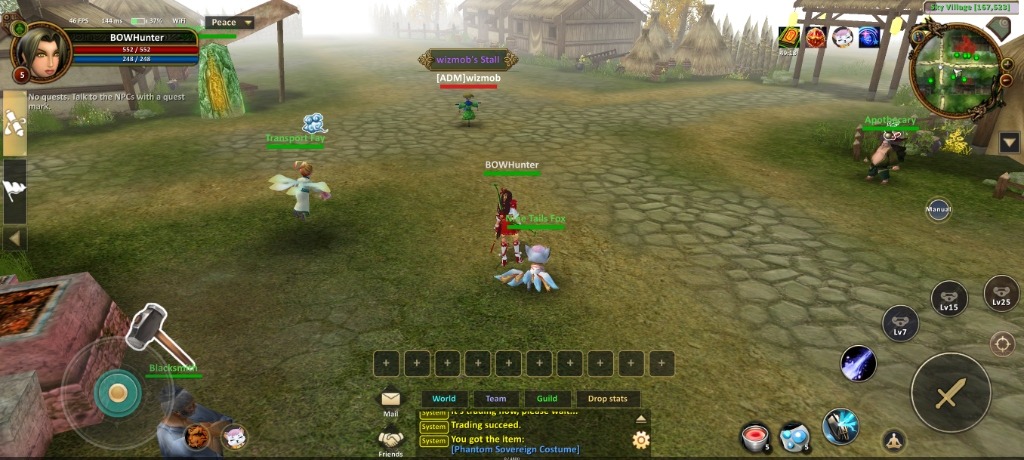
- Classic Mobile UI & High/60 FPS Defaults: Clean, familiar Talisman Classic interface tuned for smooth modern Android performance, with the Living Skill NPC dialog fix already applied.
- Expanded Lv.75 Endgame Content: +10 Forging with native
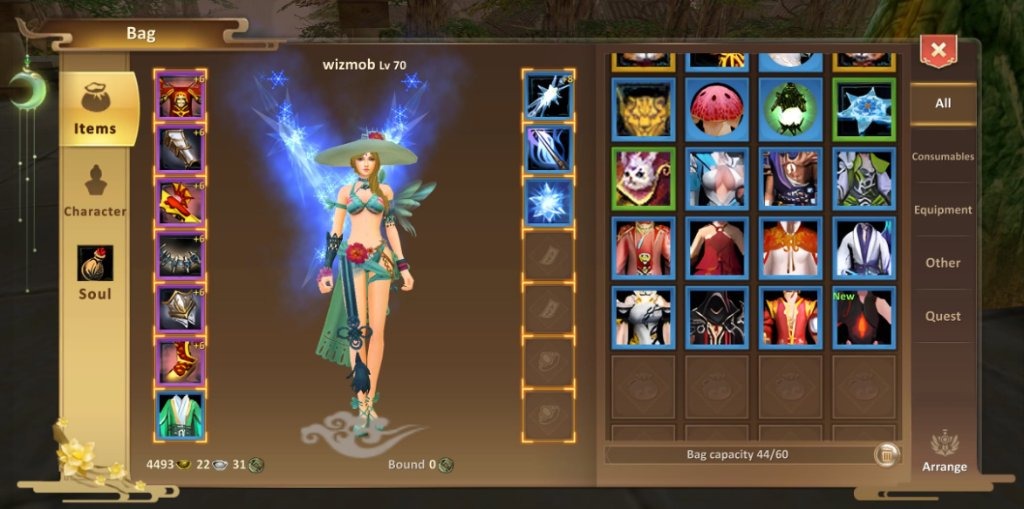
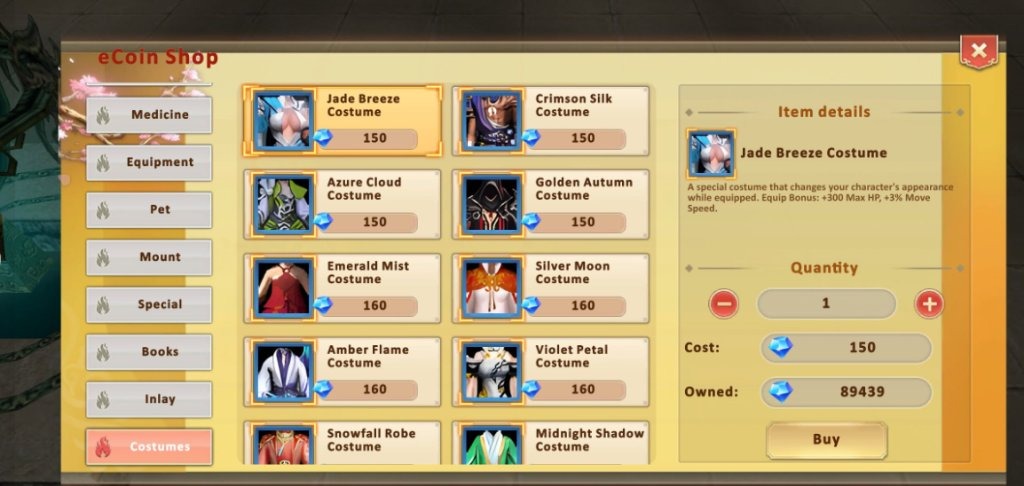
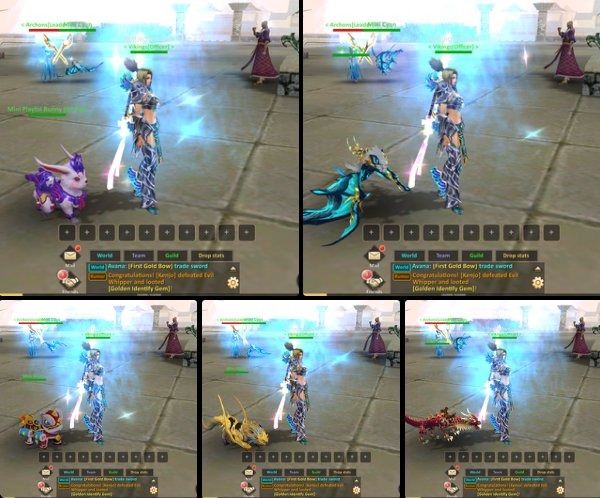
gsext.so, 2-Socket Gem Inlay system (Gem Inlay Admin, Recycler & Gem Coin Shop), revamped one-time quest rewards (Lv.5–75), expanded Pets, Mounts, Costumes & eCoin Shops. - 100% Factory-Clean & Isolated: Zero third-party branding or personal links, 3 isolated MariaDB schemas (
account,game,log), dedicated FTP, Web File Manager, Live Console & EVP Repacker.
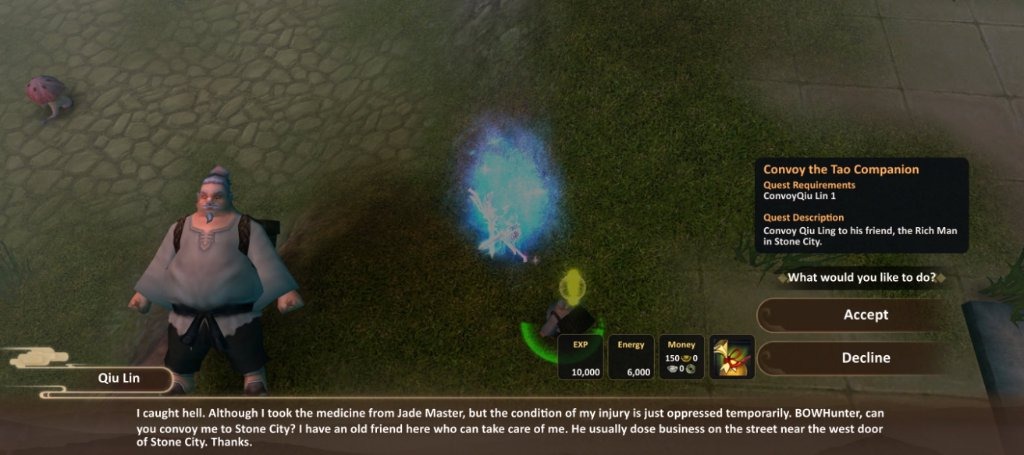
Screenshots & Gameplay Gallery (6)
Included Engine Infrastructure & Features
Android Mobile APK Only
Classic UI + Lv.75 Content
APK Config Tool Included
Patch CDN + Self-Host ZIP
1000 FPS Fixed Tickrate Priority
High-Speed HTTP FastDL CDN
Always-on European DDoS Protection
0ms Low-Latency MariaDB Database