AMXX Custom Sky
The plugin AMXX Custom Sky is designed for installing custom sky textures on any map on the ser
Description & Documentation
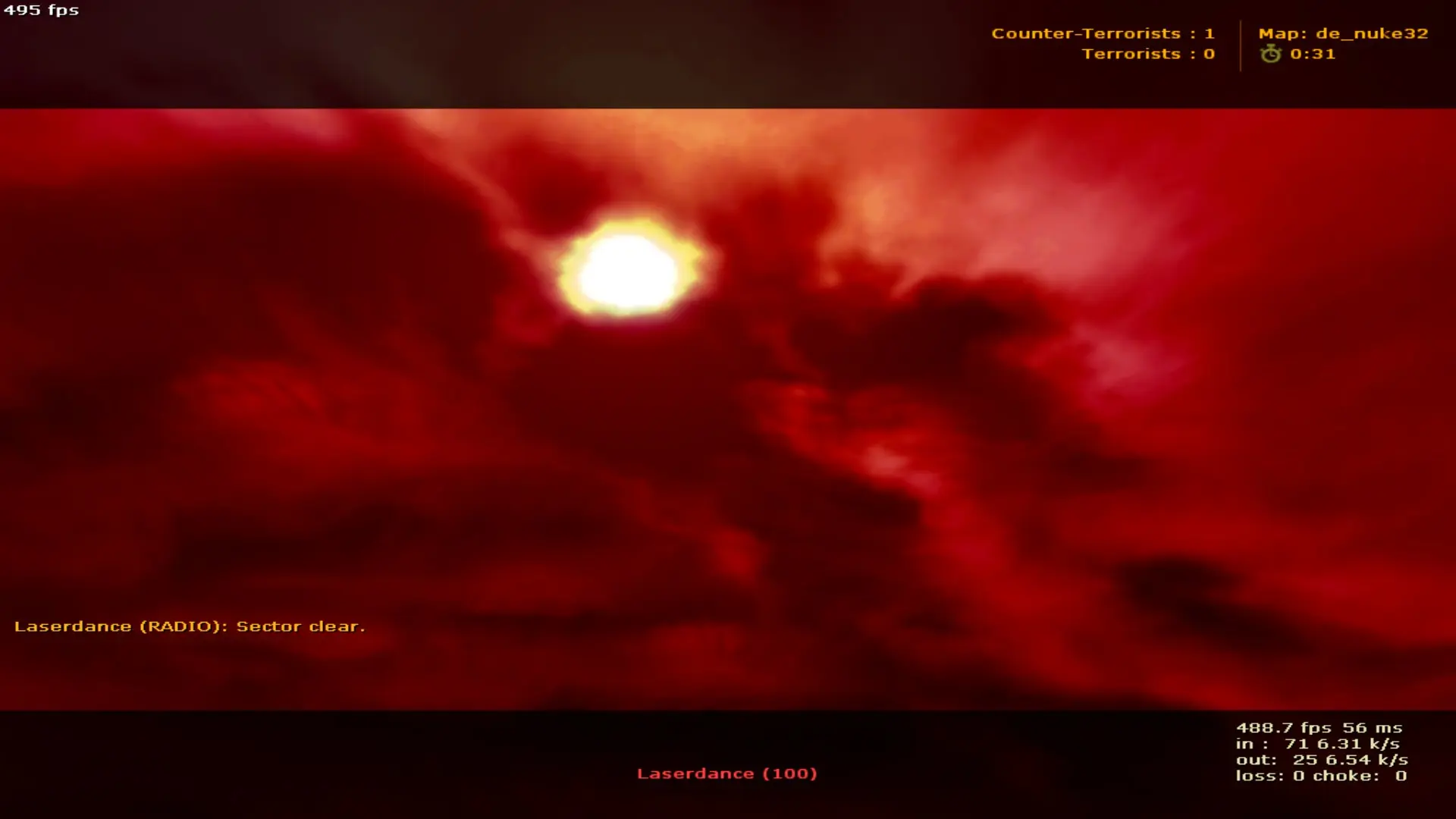
The plugin AMXX Custom Sky is designed for installing custom sky textures on any map on the server.
Sky textures are installed in random order from the config file when starting each new map.
The plugin is designed for installing custom sky textures on any map on the server.
Sky textures are installed in random order from the config file when starting each new map.
The archive contains one set of sky textures used as an example!
>>> LEARN HOW TO INSTALL THIS PLUGIN FROM HERE <<<
1.Place the files from the archive according to the server hierarchy.
2.Compile the file .sma
3.Place the compiled .amxx file into the "amxmodx/plugins" folder. your server.
4.Write a line with file_name.amxx in amxmodx/configs/plugins.ini .
5.Put the config file in the folder amxmodx/configs.
6.Add the sky texture in the config file, keep in mind we DELETE the end-prefix ( sky121bk ) we add only the name and we will delete the end-prefix and add the name of the sky ( sky121 ).
5.Restart the server or change the card for the plugin to work.
Verified Archive Contents
CS 1.6 File Validator VerifiedCustomer Reviews & Comments (0)
Please log in to leave a rating or review for this resource.
Log In to Rate / ReviewCreator Information

GameMods-Servers Studio
Verified CS 1.6 PublisherOfficial GameMods-Servers Studio. High performance AMX Mod X plugins, C++ binary modules, and turnkey CS 1.6 & CS2 game server systems.
View Seller Store